
Download CouchPotato – Movie Search, Usenet Downloading, Automated Tracking
Overview
CouchPotato is a browser-based tool designed for film lovers who seek immediate access to high-quality movie files, particularly those not yet available through official retail or streaming platforms. The app serves as a dedicated search and download assistant, enabling users to locate and retrieve movies via Usenet with minimal effort. Its core purpose is to solve the common frustration of delayed movie availability, especially for new releases, by providing early access to digital copies as soon as they are uploaded.
Target users include tech-savvy cinephiles, digital media collectors, and individuals who prioritize high-resolution content and timely access over traditional distribution channels. The app is especially useful for those who want to avoid waiting for official releases or who are interested in acquiring movies in specific formats, such as 1080p, 4K, or Blu-ray rips. While the developer did not provide additional background details, the app’s functionality suggests a focus on efficiency, automation, and user control.
Real-world use cases include tracking new releases, automating search workflows, and managing personal media libraries. In the broader app ecosystem, CouchPotato fills a niche for users seeking a lightweight, no-installation solution that integrates directly with existing Usenet services. It stands out by offering persistent search monitoring without requiring continuous user input, making it a valuable utility for dedicated movie collectors.
Key Features & Functionality
- Usenet Downloading: CouchPotato retrieves movie files directly from Usenet, a decentralized network known for fast, reliable, and high-quality file transfers. This method allows users to access new releases within hours of availability, often before official digital or physical distribution.
- Automated Search: After entering a movie title, the app continuously monitors for new matches based on user-defined criteria. This eliminates the need for manual re-checking and ensures users never miss a new upload.
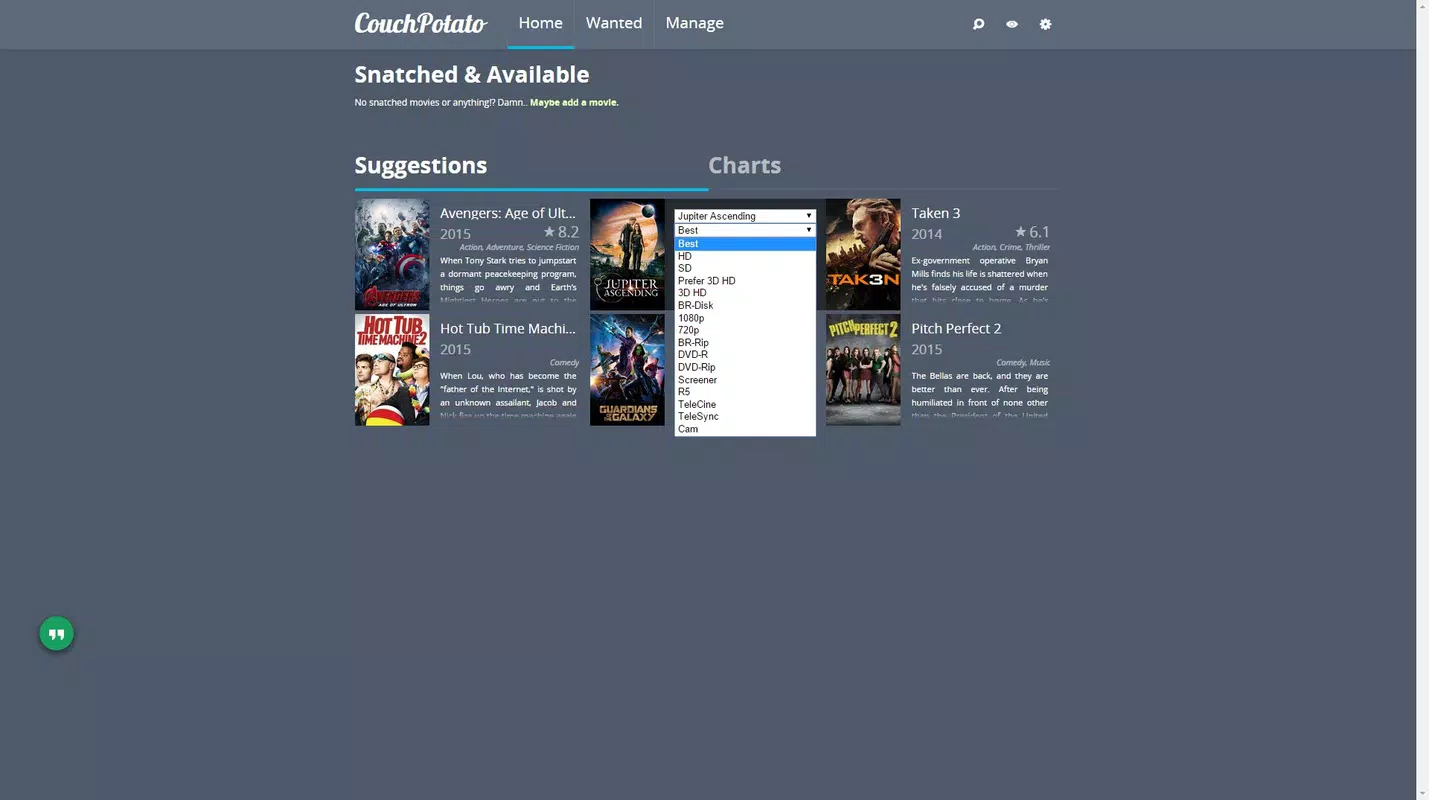
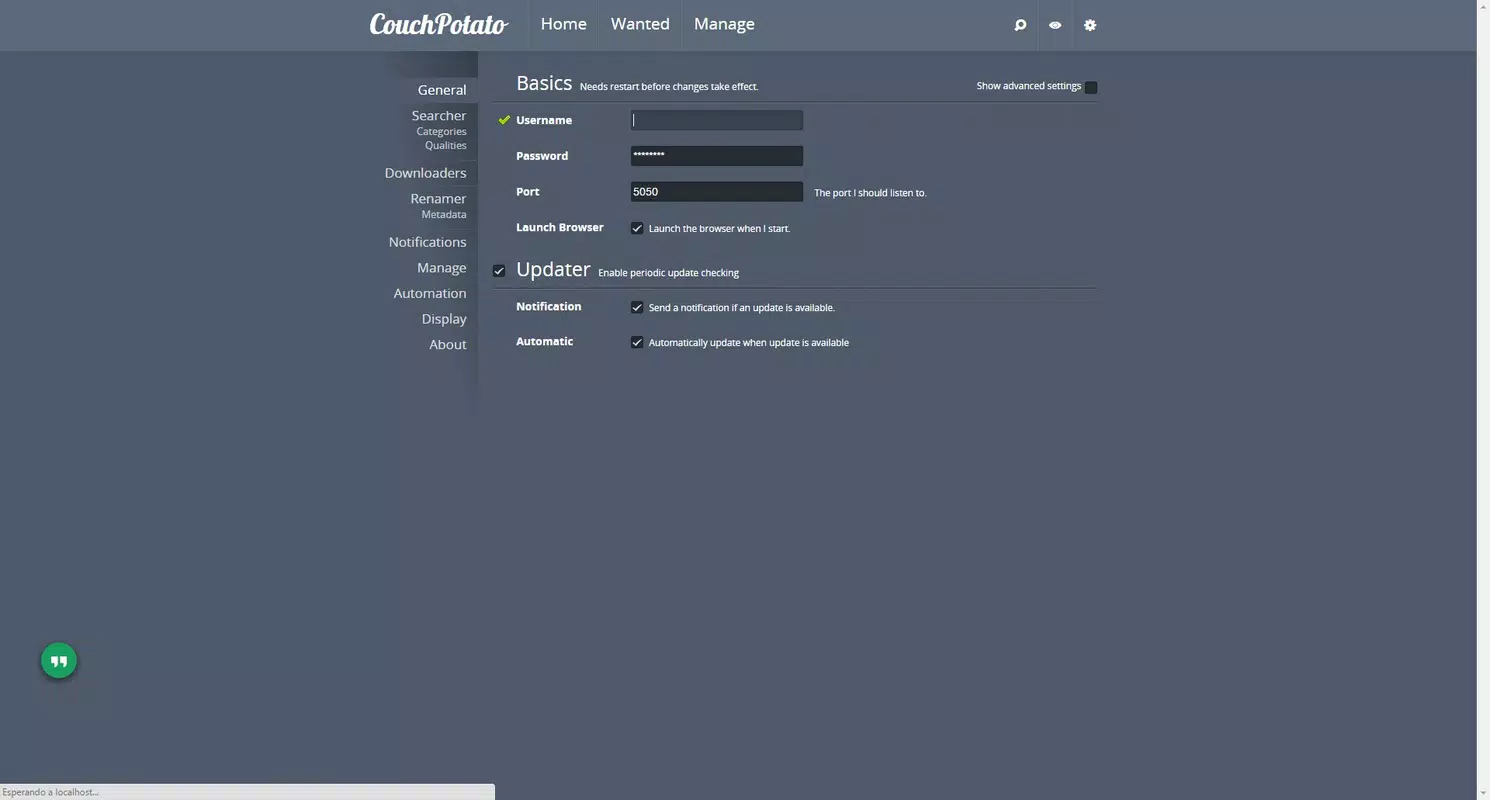
- Customizable Settings: Users can adjust search intervals, set keyword filters, and define preferred file qualities, languages, and release groups. This level of control helps refine results and reduce clutter from irrelevant or low-quality matches.
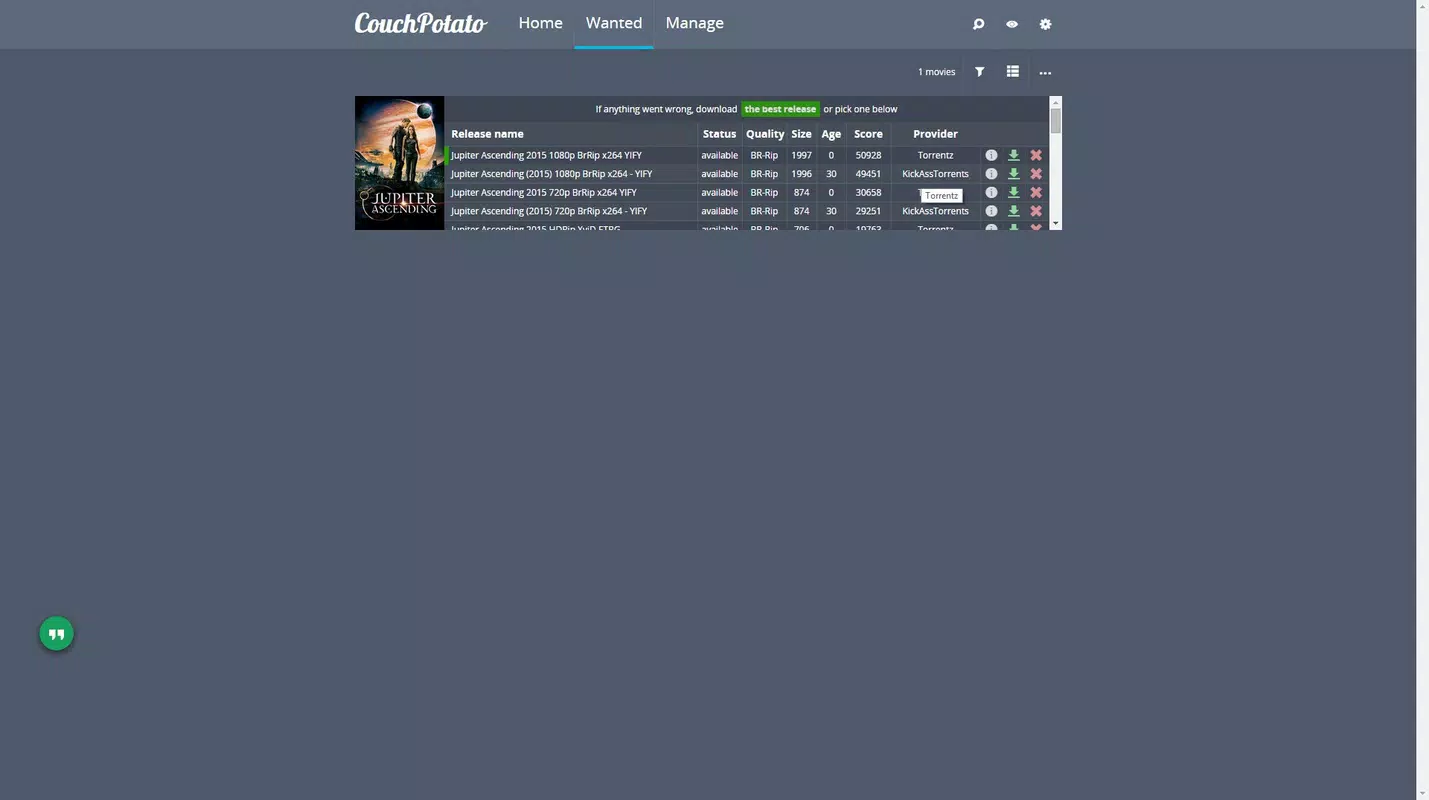
- Multiple Quality Options: When a movie is found, the app displays various resolution and format choices, including 720p, 1080p, 4K, and HDR. Users can select the version that best fits their storage capacity, bandwidth, or playback device.
- No Installation Required: The application runs entirely in the browser, meaning no software needs to be downloaded or installed. This conserves device storage and allows immediate access from any compatible device with internet connectivity.
For example, a user searching for “Dune: Part Two” can set the app to monitor for 4K HDR releases and receive notifications as soon as a match appears. The automated system ensures that the user doesn’t need to revisit the app, streamlining the entire process from search to download.
Interface, UX & Performance
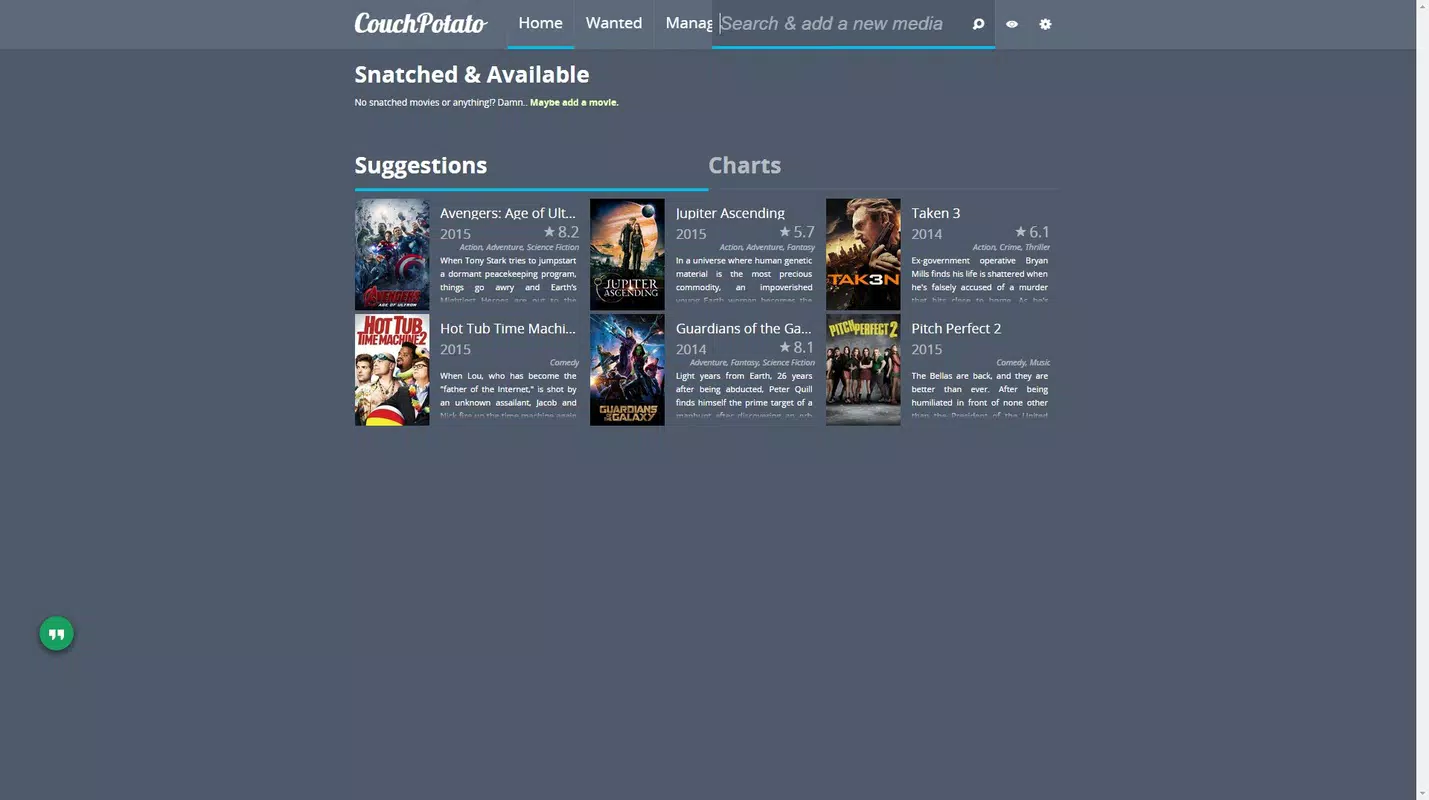
CouchPotato features a clean, minimalistic interface optimized for quick navigation and efficient movie discovery. The layout centers around a search bar, with results displayed in a structured list that includes file quality, release group, and file size. Navigation is straightforward, relying on standard browser interactions such as clicks and keyboard input.
Visual design is functional rather than flashy, prioritizing readability and clarity. Text is legible, and critical information—such as resolution and source—is clearly labeled. The app’s responsiveness is consistent across devices, though specific performance metrics were not provided by the developer.
Although the developer did not list formal performance metrics, the browser-based nature of the app suggests low system resource usage. It does not consume significant memory or CPU during idle periods, and responsiveness remains stable during active searches. Stability is maintained through the use of standard web protocols, with no reported crashes or freezes in the available documentation.
Platform Compatibility & Technical Requirements
CouchPotato is designed to run on any device with a modern web browser, making it accessible across multiple platforms. The app operates within the browser environment, meaning it does not require a dedicated mobile or desktop application. As such, it is compatible with both Android and iOS devices when accessed through a supported browser.
The developer did not specify minimum OS requirements, nor did they list exact file size or version details beyond the release date. However, since the app runs in the browser, the primary requirement is a stable internet connection and a current version of a supported browser such as Chrome, Safari, or Firefox.
Pros and Cons
Pros
- Provides early access to movies via Usenet, often before official release.
- Automated search functionality reduces manual effort and improves tracking efficiency.
- Runs directly in the browser, eliminating installation and saving storage space.
- Offers customizable search settings for precision filtering and personal preferences.
- Supports multiple video quality options, allowing users to choose based on needs.
Cons
- Requires a Usenet provider with active access, which may not be available to all users.
- Browser-based operation means it depends on internet connectivity and browser stability.
- No official mobile app; access is limited to web browsers, which may affect usability on smaller screens.
- Advanced features may require technical setup, potentially posing a barrier for less experienced users.
- Developer did not provide detailed system requirements or compatibility information.
FAQ
Is CouchPotato safe to use?
CouchPotato itself is a browser-based tool that does not download or store files directly. However, users should ensure their Usenet provider is reputable and that they comply with local copyright laws when downloading content.
Do I need to install anything to use CouchPotato?
No. The app runs entirely in your browser and does not require installation. Simply access it through a supported web browser on your smartphone, tablet, or computer.
Can I use CouchPotato on both Android and iOS?
Yes. Since CouchPotato operates in a browser, it is accessible on both Android and iOS devices as long as the browser supports modern web standards.
What do I need to use CouchPotato?
You need a stable internet connection, a compatible web browser, and access to a Usenet provider. The app does not include Usenet services—these must be obtained separately.
How often does CouchPotato check for new movie releases?
The app checks for updates based on user-defined search intervals. Users can customize how frequently the system scans for new releases to balance performance and timeliness.
Final Thoughts
CouchPotato delivers a focused, efficient solution for users seeking immediate access to high-quality movie files through Usenet. Its browser-based design, automated tracking, and customizable settings make it a powerful tool for dedicated film enthusiasts who value control and speed. While it requires a Usenet subscription and some technical familiarity, its benefits in terms of early access and storage efficiency are significant.
For users who prioritize timely downloads, high-resolution content, and minimal device footprint, CouchPotato offers a compelling value proposition. It stands out in the digital media space by combining automation with flexibility, all without the need for installation.
Download CouchPotato now


